Metal2SHPn Configuration
Metal is a 2.4GHZ routerboard completely waterproof, rugged, and super high powered RouterBOARD Metal for outdoor. Its output power is 1.6Watts (32dbm) to reach the last mile.Mikrotik Metal 2shpn has an N-male Connector so you can attach an omni antenna directly to it or with an extension cable.Package contains Metal-2SHPn, mounting loops, PoE injector, power adapter and 6dBi omni antenna.
Mikrotik metal has AR7241 400MHZ processor 64MB of RAM. Mikrotik installed on it with License level4.1 Lan port and has a voltage and PCB Temperature Monitor.
Mikrotik Metal 2shpn Configuration
I configuration Metal 2shpn as a AP with D-Link Omni Antenna. We configure Metal 2shpn through winbox.Access Mikrotik metal 2shpn through winbox and select Quick Set option at top left corner.
In this setting i show you how to configure Metal 2shpn as a AP.
- Select AP
- Wireless Protocol 802.11
- Mode Bridge
- Select your network name in SSID
- Select channel
- Select Band
- Channel Width
- Country Pakistan

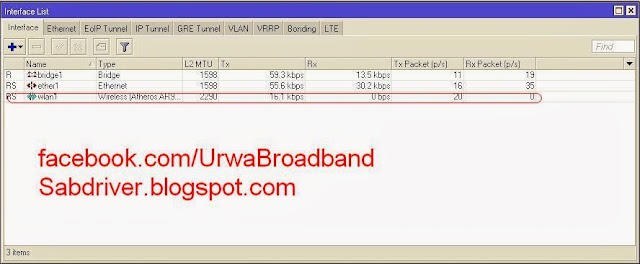


Now your Mikrotik Metal 2shpn Configured.
Enjoy.
For More Detail Visit:- Facebook.com/urwabroadband
05:00 | 4
comments | Read More


